Bring your spark.
Type a topic, paste your notes, snap a photo, or add a document or voice note.
What do you want to learn?How does the solar system work?
Turn a topic, your notes or a document into an AI course. Explore lessons, practise with quizzes and keep your learning in one place.
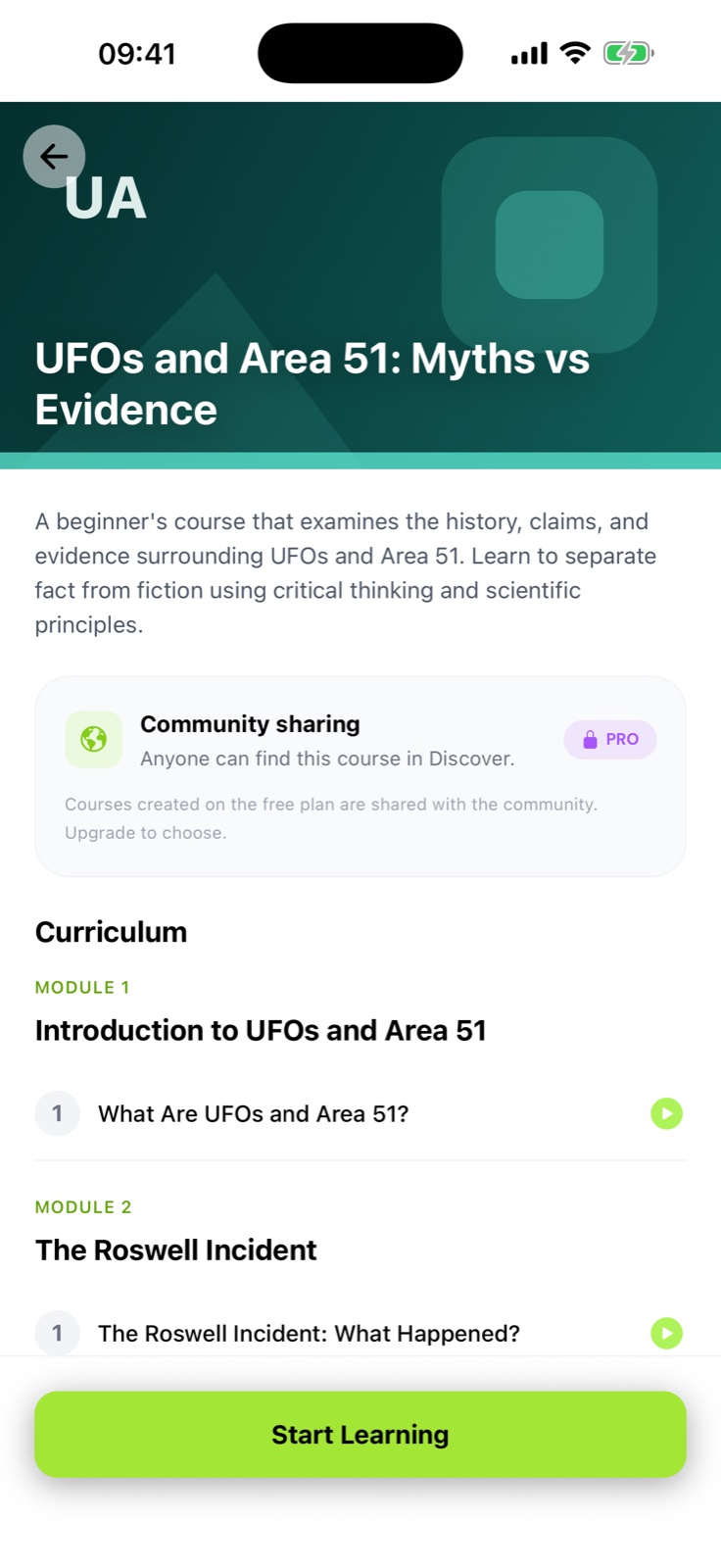
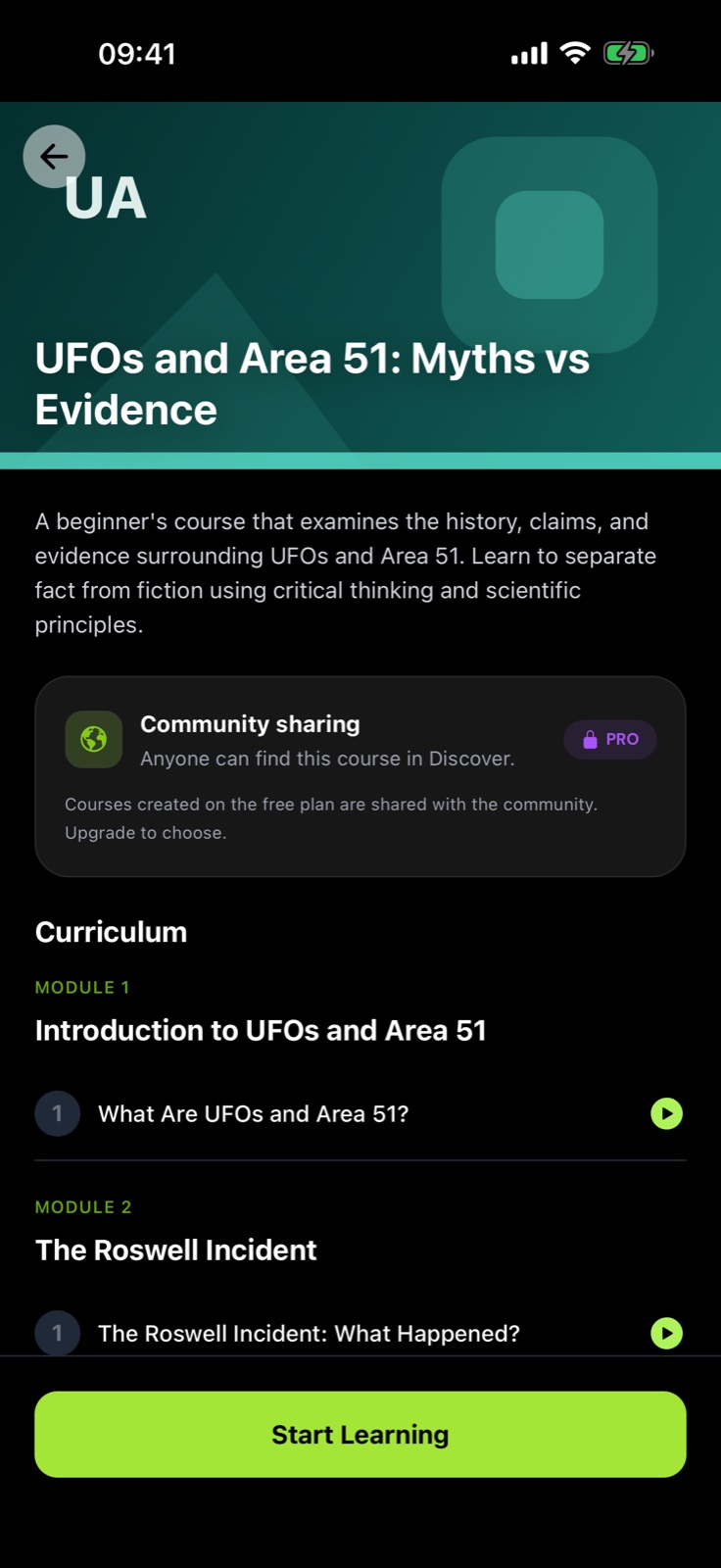
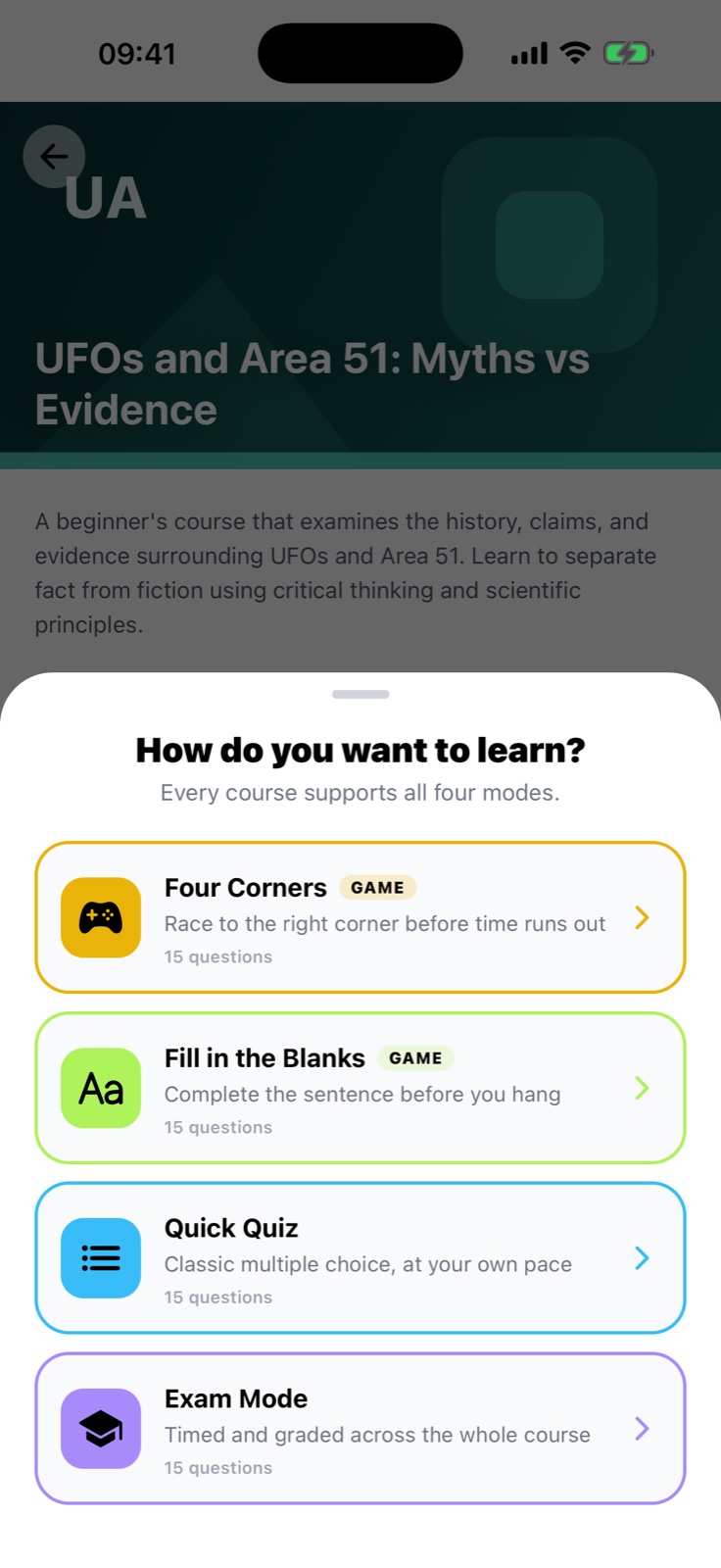
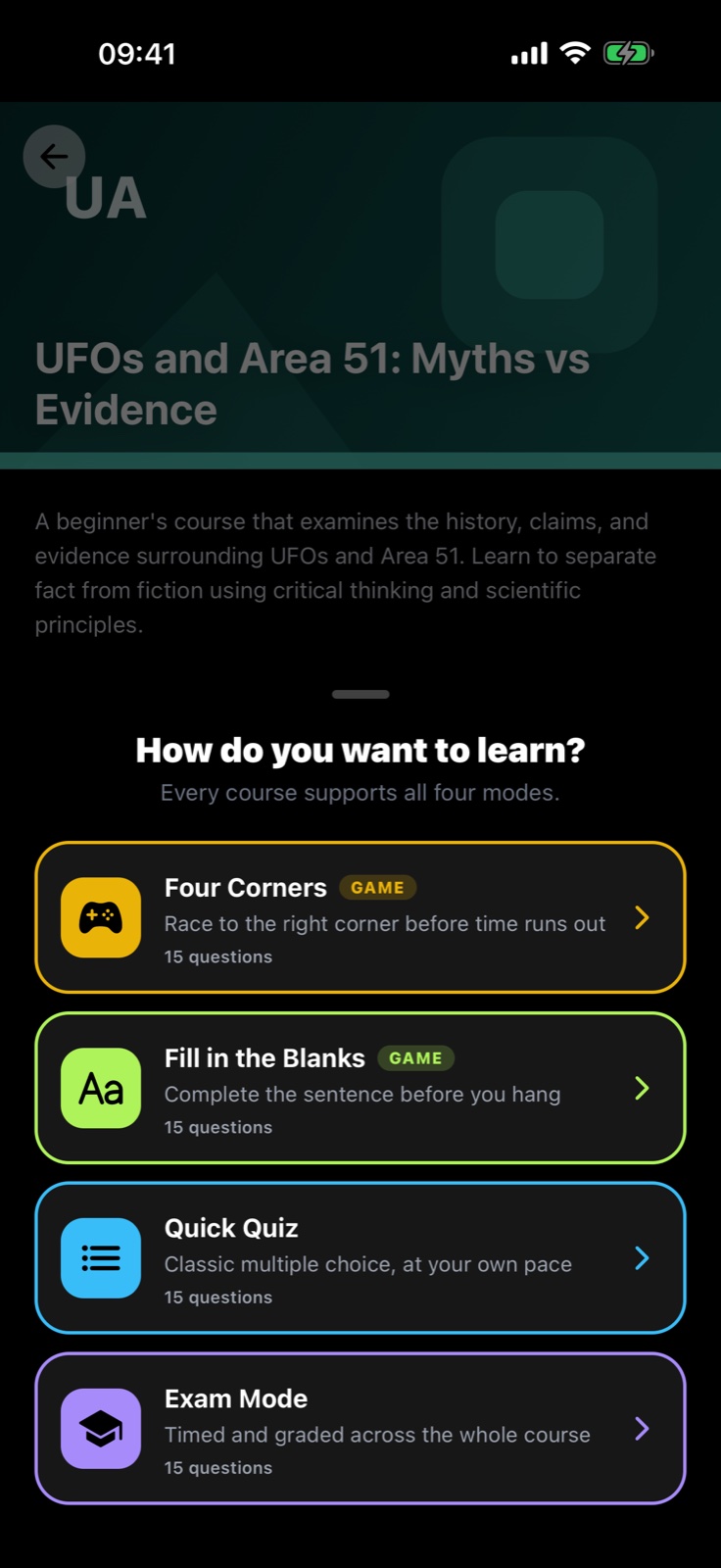
A topic you love. Notes you need to revise. Something you have always wondered about. Start there.
Type a topic, paste your notes, snap a photo, or add a document or voice note.
AI shapes your input into a course with structured lessons. Review the content and make it your own.
Read, ask your tutor, try a game, take a quiz, or listen to a lesson podcast.
Illustrative learning flow. AI-generated content should always be checked for accuracy.
Find your rhythm. Change it up. Keep your curiosity moving.
Bring structure to a topic that fascinates you. Follow your course lesson by lesson, keep notes, and see how far you have come.
Turn a lesson into a podcast and take your learning into the rest of your day. Podcast availability depends on your plan.
Bring your class into the conversation. Sagastein’s web app gives teachers space to create exams and see results, and learners a place to join in.
One place to learn. A class to learn with.
Start with a topic, paste your notes, take a photo, upload a document, or record a voice note. Sagastein uses AI to build lessons and practice around your material. Always check generated content for accuracy.
The iOS and Android app is preparing for release and is not yet available in the app stores. It brings together course creation, lessons, AI tutoring, games, quizzes, and lesson podcasts. The web app includes courses, quizzes, a learning library, classrooms and exams. Contact us about the mobile release.
Yes. Sign in with the same account. Your classroom access depends on your account permissions; teachers and administrators have additional tools.
Some mobile features and usage allowances depend on your subscription. Check the in-app plan screen for current features, prices, and any trial terms before purchasing. Manage purchases through the app store used to subscribe.
Email contact@joblifyconnect.dev using your account email address. For a technical issue, include your app version, device, and the steps that led to the problem. Never send your password or a verification code.
 KEEP THAT SPARK ALIVE
Start learning on the web with courses, quizzes, your library and classrooms. The mobile app is coming soon. Contact us about its release.